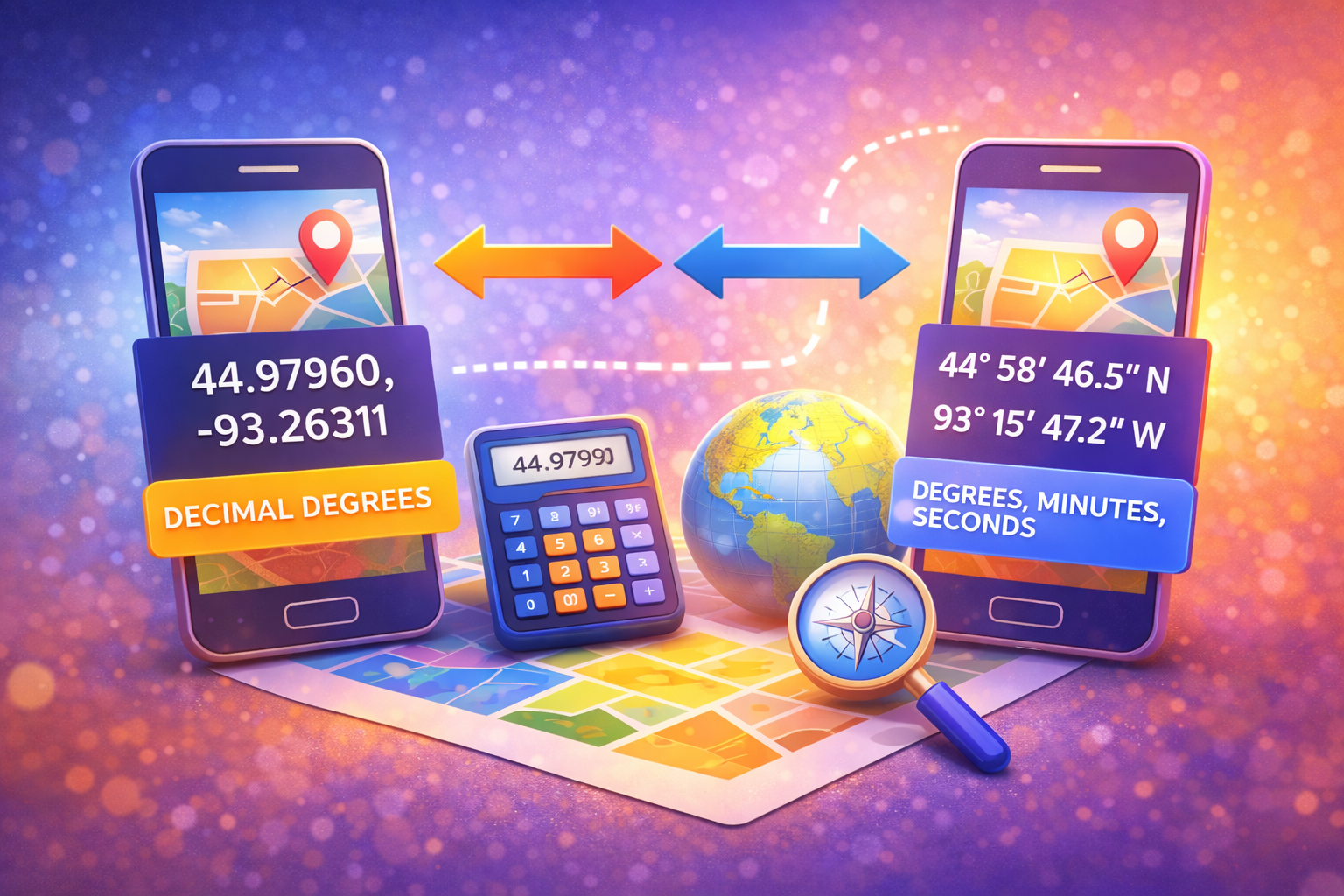
When you begin manually managing your image data using a photo metadata editor, you frequently encounter numbers that look entirely foreign. GPS coordinates generally appear in two foundational formats: Decimal Degrees (DD) and Degrees, Minutes, Seconds (DMS).
Understanding the difference—and knowing which one to use when uploading to a geotag editor online—will save you immense frustration when properly aligning your photographs.
What is Decimal Degrees (DD)?
Decimal Degrees express latitude and longitude geographic coordinates as single numeric values. They utilize standard positive and negative decimals to represent directional hemispheres.
Example: `34.0522, -118.2437` (Los Angeles)
- Northern Hemisphere equates to positive latitude values.
- Southern Hemisphere equates to negative latitude values.
- Eastern Hemisphere equates to positive longitude values.
- Western Hemisphere equates to negative longitude values.
Because they are simple numerical integers, computer systems and web mapping APIs deeply prefer processing this format.
What is Degrees, Minutes, and Seconds (DMS)?
DMS is the traditional, analog way of representing geographic mapping. Instead of relying on a clean decimal cut-off, it relies on fractions out of 60, much like telling time. It utilizes symbols like ° (degrees), ' (minutes), and " (seconds) along with compass directions (N, S, E, W).
Example: `34° 3' 7.92" N, 118° 14' 37.32" W` (The exact same Los Angeles location)
Why Do Photo Metadata Editors Prefer Decimal Degrees?
Almost all modern software interfaces—including Google Maps and our proprietary online application—accept Decimal Degrees by default. The logic is straightforward: computing a negative numerical value is much faster and less prone to user syntax error than asking someone to type special degree icons (°) on their mobile keyboard.
Important Geotagging Tip
If you only possess DMS coordinates for a specific shoot location, look up a free DD converter on Google before attempting to manually overwrite EXIF data. Inputting incorrect formatting into metadata limits can corrupt the mapping tag.
How to Convert Between Format Types
Converting manually involves a math equation, but the fastest method is utilizing online web maps. If you search a location on Maps, the desktop URL cleanly extracts the precise Decimal Degree marker.
Alternatively, the GeotagEditor platform requires absolutely zero math! Just drop your image into our workspace. You interact visually with a sleek map interface, select a target, and the backend engine automatically translates your pin into accurate numeric logic before cementing it safely into your JPEG metadata.
Frequently Asked Questions
Which format does an iPhone camera use?
At the hardware level, iOS and Android encode the internal EXIF data text using fractional representations closer to DMS. However, any software that reads the picture translates it immediately to Decimal Degrees for UI simplicity.
What happens if I type coordinates backward?
Swapping latitude and longitude accidentally will shoot your photograph location to a completely different spot across the globe—often ending up in the middle of the ocean!